Labels

Categories: Food | Travel | Beer | Wine | Boston | Humor | TV | Tech | Pop Culture | Politics | Golf | Video | Photo | Auto
Sponsored: Samsung | Cadillac | Volt | GMC | AT&T | Gear List: Cameras, Lights, Microphones, etc.
More: SteveGarfield.com | Steve Garfield's Video Blog (archived 6/19/2013)
“As an Amazon Associate I earn from qualifying purchases.” | Mastodon
Showing posts with label kindle. Show all posts

Friday, December 23, 2022

HOW TO READ the JANUARY 6th REPORT for FREE on KINDLE

 HOW TO READ the JANUARY 6th REPORT for FREE on KINDLE

You can share the January 6th Report PDF from the report’s page, linked here, to your Kindle email address. It then gets delivered to your Kindle for free. 

PDF Link:

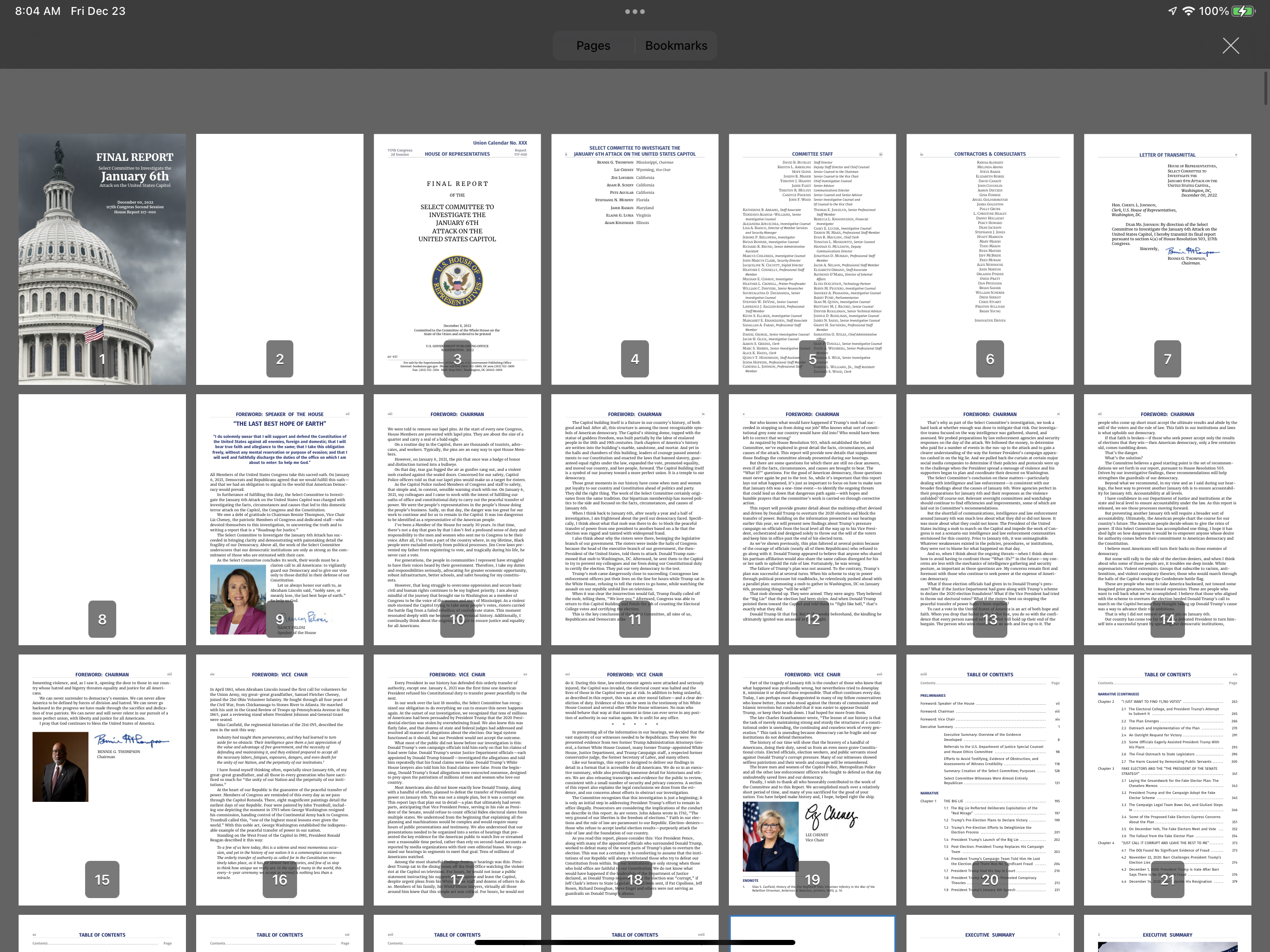
FINAL REPORT

Select Committee to Investigate the January 6th Attack on the United States Capitol

Here’s a How to:

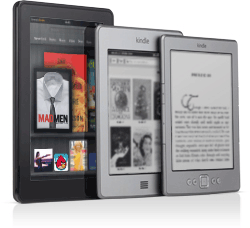
Here is how you can read PDF files on the Amazon Kindle


Wednesday, April 27, 2011

How to Self-publish your books for sale in the Kindle Store


Amazon's Kindle Direct Publishing, the fast and easy way to self-publish your books for sale in the Kindle Store:
With Kindle Direct Publishing (KDP) you can self-publish your books on the Amazon Kindle Store. It's free, fast, and easy. Books self-published through KDP can participate in the 70% royalty program and are available for purchase on Kindle devices and Kindle apps for iPad, iPhone, iPod touch, PC, Mac, Blackberry, and Android-based devices. With KDP, you can self-publish books in English, German, French, Spanish, Portuguese, and Italian and specify pricing in US Dollars, Pounds Sterling, and Euros.

Thursday, May 06, 2010

Kindle Popular Highlights Now Shared Online and on Facebook and Twitter

Amazon Kindle Popular Highlights takes reading social:
Amazon has starting rolling out its latest 2.5 Kindle update and with it a new feature called Popular Highlights.

What some will either class as incredibly annoying or the future of reading, users will now be able to see where other people have highlighted text within a book, very much like reading a used text book.
For me, this is very interesting because I can now go to a web page and see which passages in my book, Get Seen, are most popular.

Amazon kindle Highlights - Get Seen
Most popular highlights from Get Seen, Search Results Page

You can visit the highlighted results page and look around yourself.

My friend Len Edgerly is reading Get Seen on his Kindle and he's turned on the twitter interface, so the quote he likes get's posted to the kindle popular highlights page, and it gets posted to his twitter feed.

Amazon Kindle Highlights Tweet
Twitter post

Here's the link to the individual highlight in Len's tweet.

Note:
Len also shared the link on his Facebook Wall.

One problem with the current implementation is that on the kindle popular highlights page, the permalink of each post is not displayed, so there's no way for the reader to share that link, unless they happen to see it on the reader's twitter feed, if they've enabled twitter sharing.

This will be an easy fix for amazon.

What do you think about social sharing what you read?