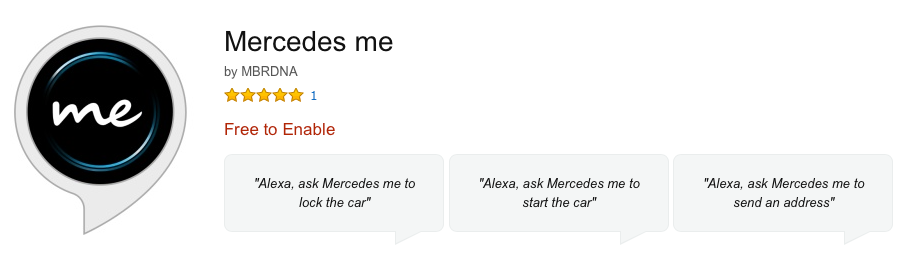
Image: Alexa Mercedes Me Skill Page
Mercedes me for Amazon Alexa
This is cool, Mercedes-Benz just added an Amazon Echo skill to connect to your car, via mbrace.
Steps to connect your Mercedes (2016 and newer) to Amazon Alexa
1. Enable the Mercedes me for Amazon Alexa skill.
2. Connect the Amazon Alexa skill to Mercedes mbrace.

Image: Mercedes me iPhone App screen
Alexa Mercedes Me Skill Description
With Mercedes me for Amazon Alexa, you can access your Mercedes-Benz from the comfort of your couch. In order to effectively use the Mercedes me skill, you will need an active Mercedes me account and an active mbrace subscription.*
The Mercedes me skill allows you to:
Remotely lock the doors
Remotely start your engine**
Send an address or point of interest to your in-vehicle navigation
Manage multiple vehicles
After linking your Mercedes me account to the Mercedes me skill, you can ask questions or give commands, such as:
"Alexa, tell Mercedes me to lock the car."
"Alexa, ask Mercedes me to start the car." **
"Alexa, ask Mercedes me to send an address to the car."
"Alexa, ask Mercedes me to find Starcoffee near me."
"Alexa, tell Mercedes me to update my primary car."
* Select mbrace services are free for five years with any new Mercedes-Benz.
** Available on select 2016 and newer model lines. Check with dealer for details. Features subject to network coverage.
Please note:
• The Mercedes me skill on Alexa currently only supports users in the United States;
• The Mercedes me skill on Alexa will send remote service commands to your vehicle, but will not currently confirm the completion of those commands. However, in the case of remote start, you will receive a remote start status text message to the phone number that is linked to your mbrace account. If you update your phone number linked to mbrace, you will also be required to update your primary car in Mercedes me in order to continue receiving text messages;
• You can manage multiple cars within Mercedes me. However, you can only operate one car at a time via Alexa i.e. the primary car that you set via the Mercedes me skill. In order to change/update your primary car, simply say "Alexa, ask Mercedes me to update my primary car.";
• For Mercedes me customer support, call +1 800-367-6372


