
How To Download YouTube Videos with MPEG Streamclip.
Grab the BETA version of MPEG Streamclip.
OPEN MPEG Streamclip.
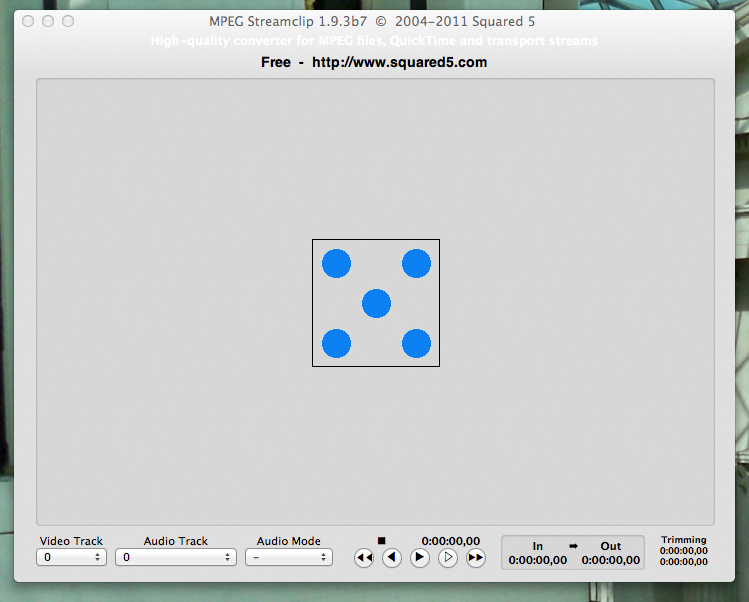
From the FILE menu, Choose OPEN URL. This dialog box pops up:

In your browser, navigate to the YouTube Video you want to download.

Grab it's URL.
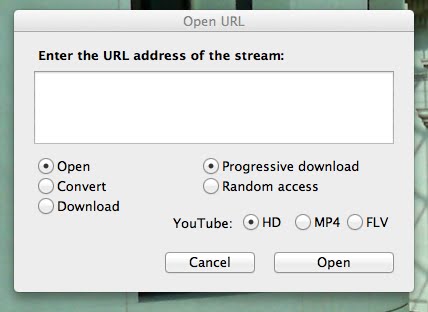

PASTE that URL into the Open URL dialog box on MPEG Streamclip.
Select the Download and HD radio buttons and CLICK Download.

Enter a save location and click SAVE.

Your video is now being downloaded.

Click it open and there it is!
via [ Robin Good ] who linked to it on [ The Editblog ] where there are lots more options explained.
